

YouTube to PDF
The Slides Shown in the Video, as PDF
By uploading a file you agree to our Terms of Service and Privacy Policy.
- Just the linkNothing to download or install
- Slides found for youOne per change of slide
- PDF or PPTXRead it, or keep editing it
- Edit onlineNo other software needed
Save a YouTube Video’s Slides as PDF
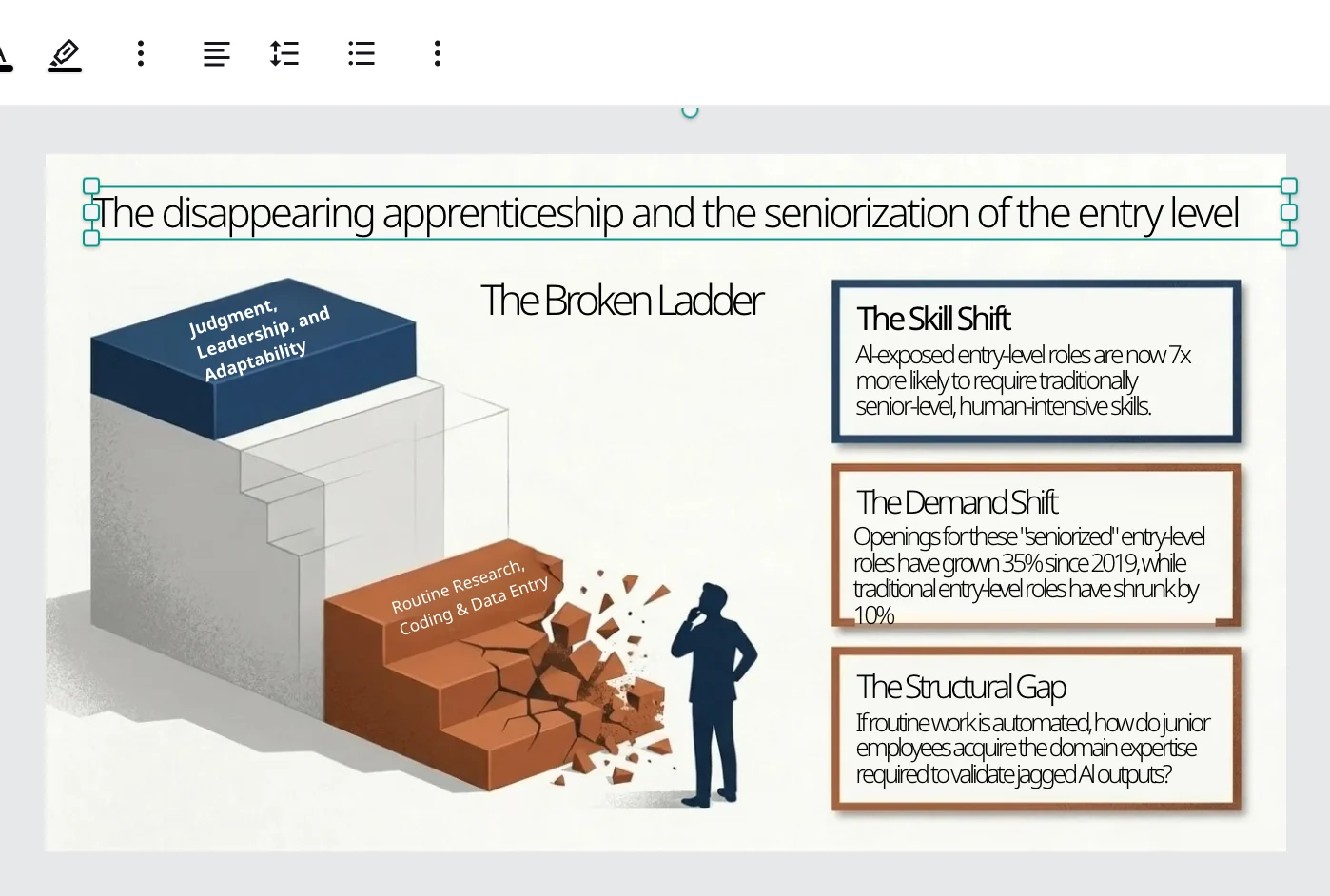
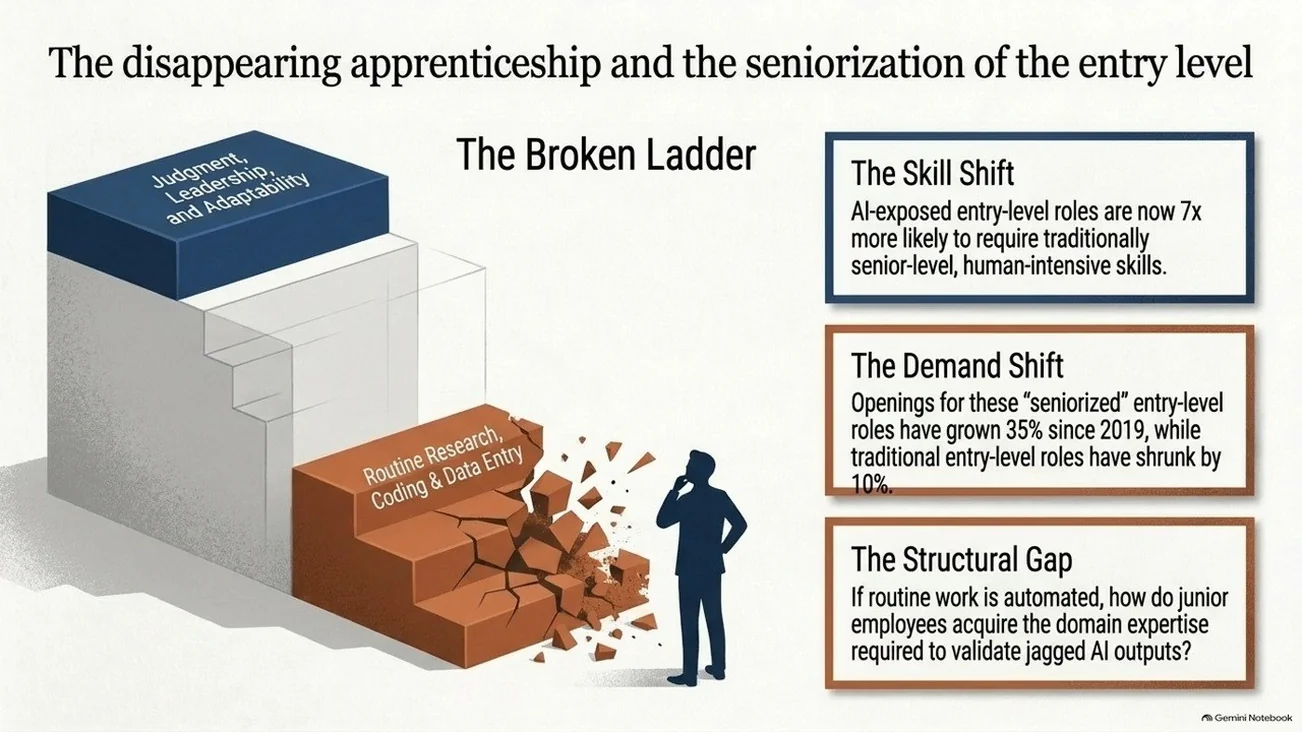
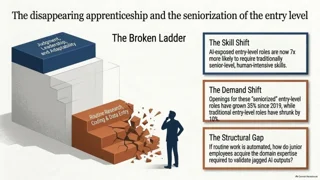
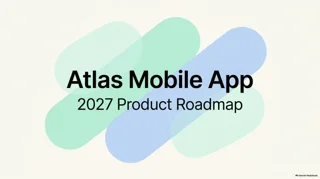
Frames from a recorded talk: the frame as it played, the editable slide it became, and the same slide after a quick edit.
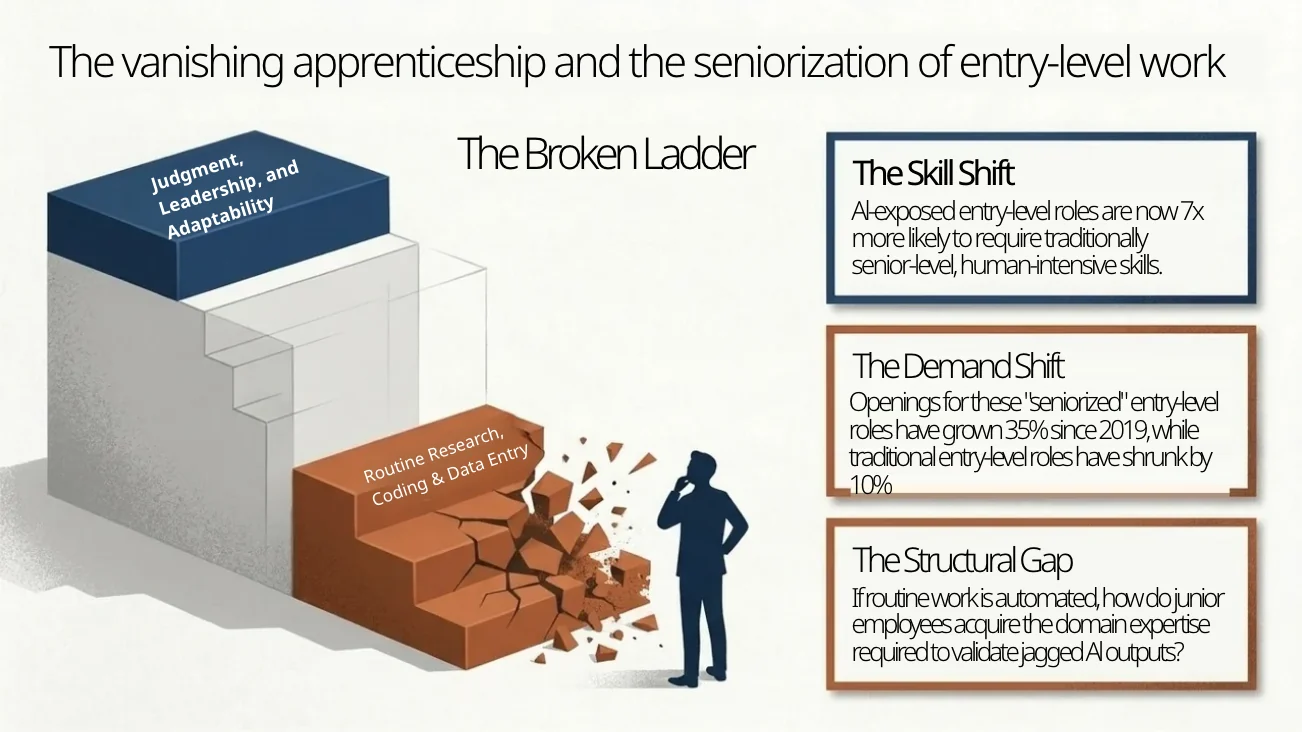
A frame with an illustration and three note cards: the heading and every card come back as text boxes.Try it with your YouTube link
How to Convert a YouTube Video to PDF
- 1
Paste the link
Copy the address of a public YouTube video and paste it in; the slides shown in it are picked out for you.
- 2
Pick and convert
Tick the slides you want; each is rebuilt as a clean slide.
- 3
Download the PDF
Export the deck as PDF, or as PPTX to keep editing.
A YouTube Video Turned Into a PDF You Can Still Edit
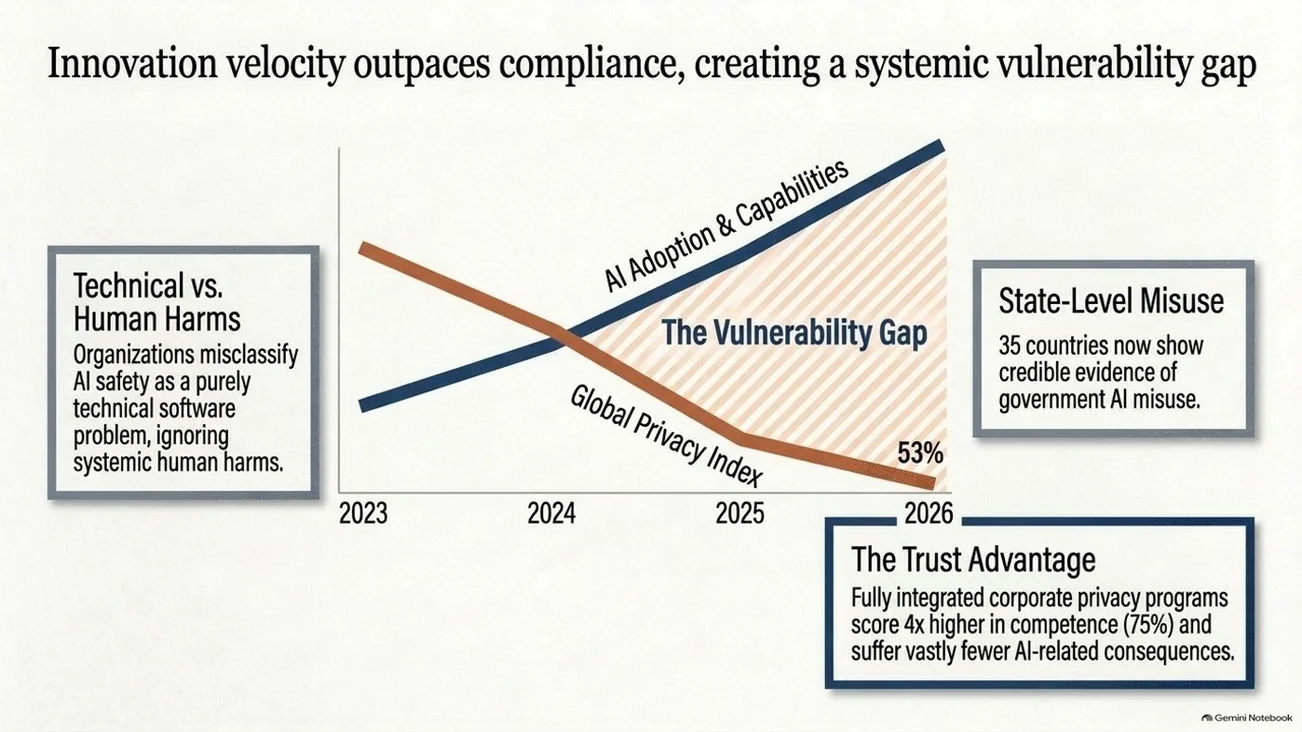
Three frames from a recorded talk, taken out of the YouTube video and rebuilt.
Retype a headline straight off the frame.
The words in a video frame become text boxes, so you correct a heading or a figure without redrawing the slide.
Video frameText box
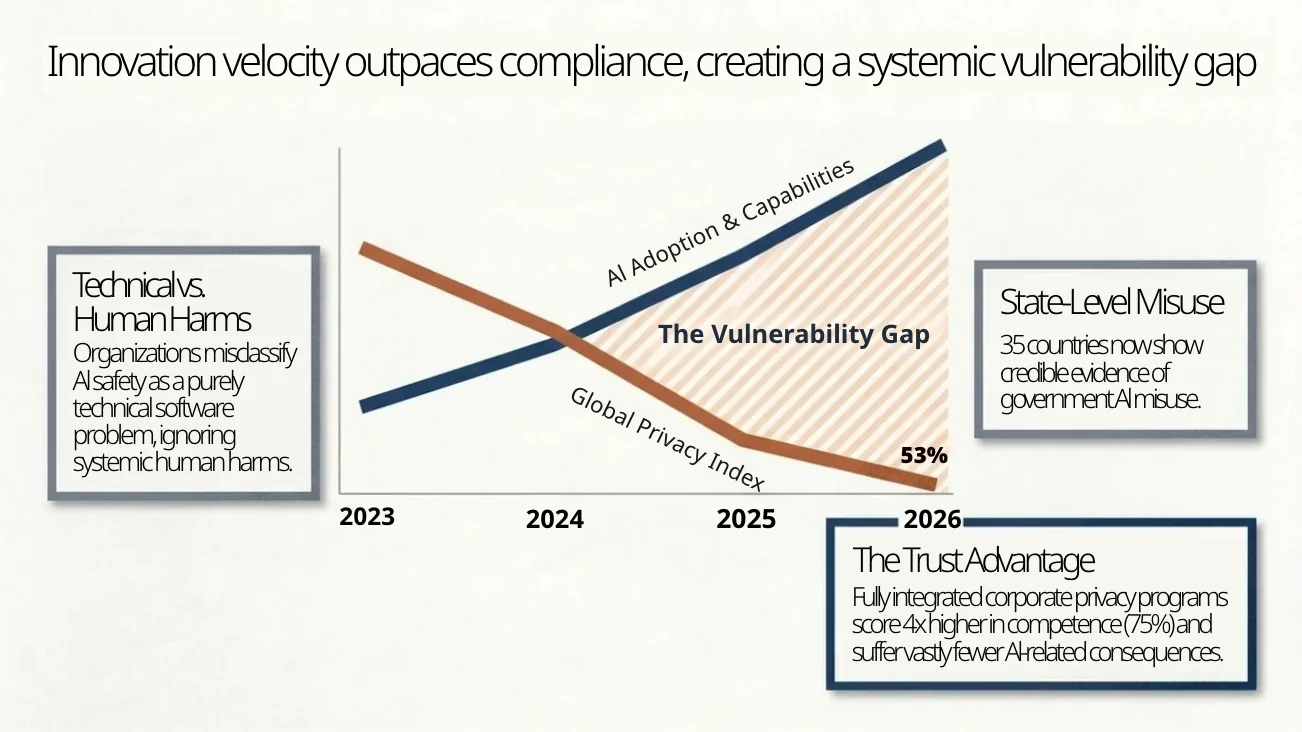
Every label around a chart is its own text box.
Titles, axis years, line labels and the cards beside the chart can each be moved, edited or restyled.
Chart frameEditable labels
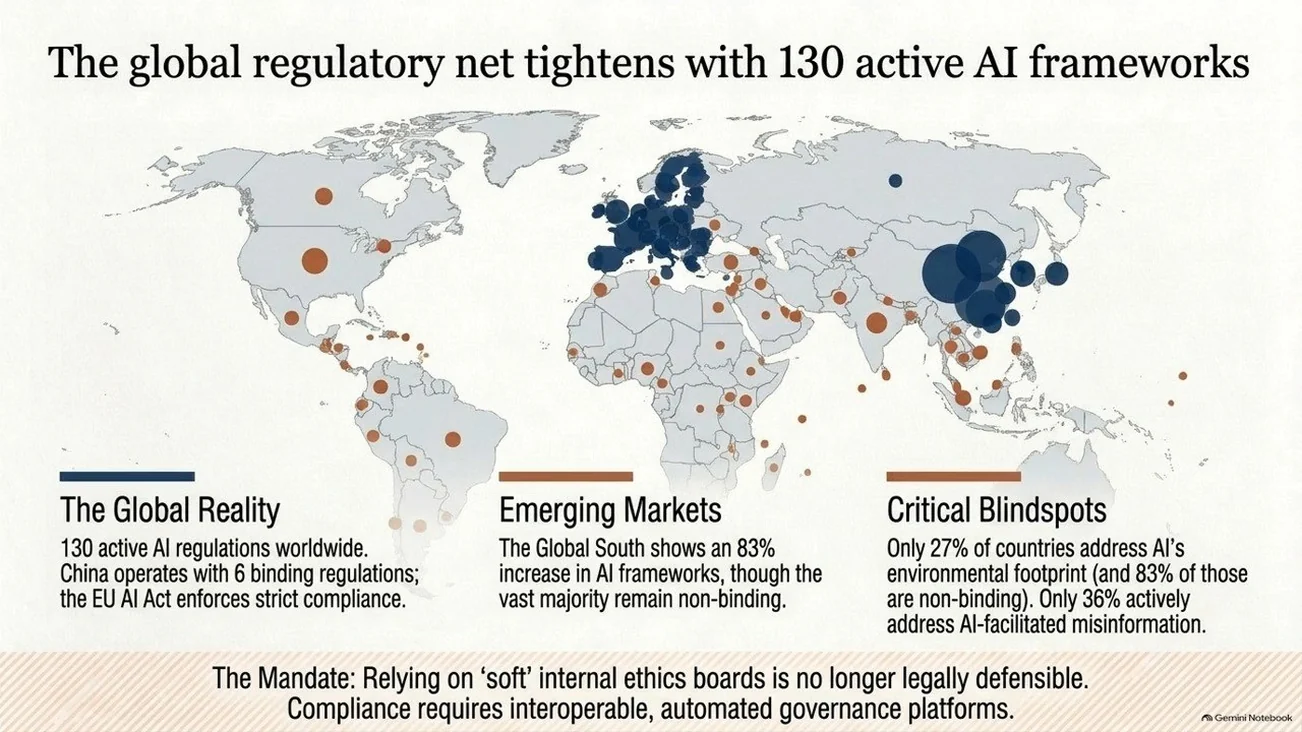
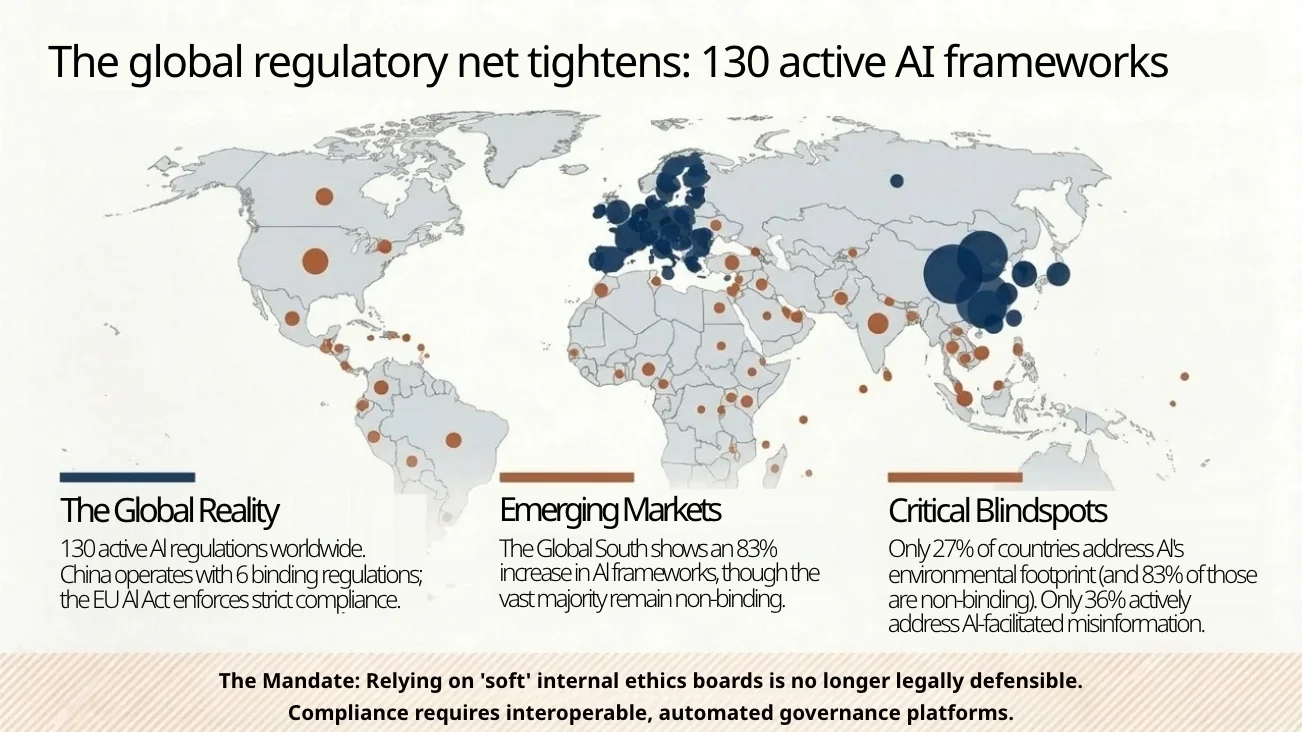
Change a number the talk got out of date.
Headlines with figures in them come back as plain text, so you update the number and keep the map behind it.
Old figureUpdated
Who Converts YouTube Videos to PDF
YouTube to PDF FAQ
Public videos where slides fill most of the screen: lectures, conference talks, webinars and tutorials.
No. Paste the link and the slides come back to you; there is nothing to download or install.
Yes. Every slide opens in the online editor with real text boxes; fix anything, then download the PDF.
Sign up and get 10 free credits to convert your first slides.
More ways to make a PPT
Convert YouTube to PDF for Free
Sign up and get 10 free credits.