

JPG to PPT Converter
Photos Turned Into Editable Slides


By uploading a file you agree to our Terms of Service and Privacy Policy.
- Real text boxesFix any word in PowerPoint
- Background filled inNo holes where the text was
- Edit onlineNo other software needed
- PPTX or PDF2 pages free when you sign up
JPG to PPTX: Slides That Stay Editable
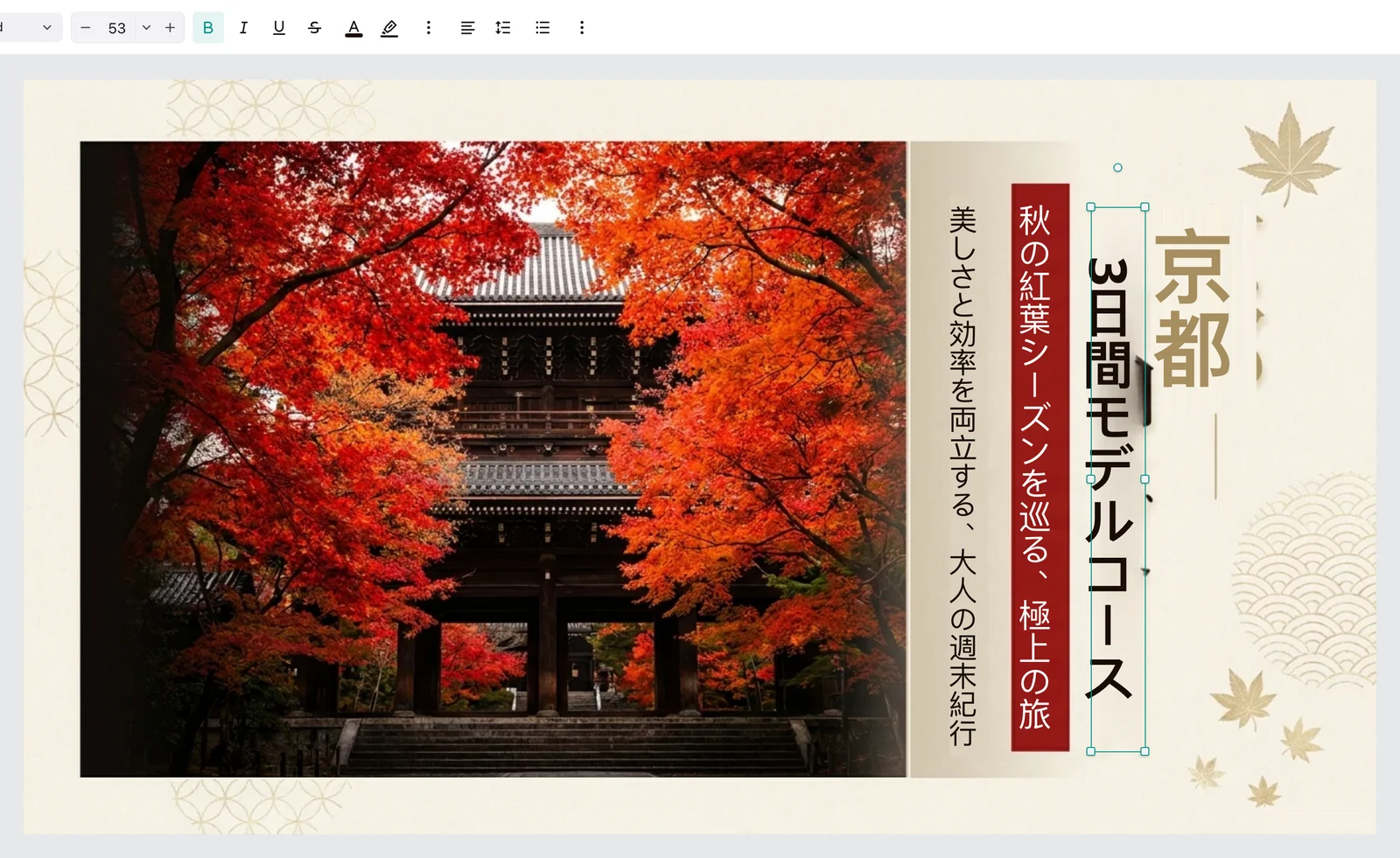
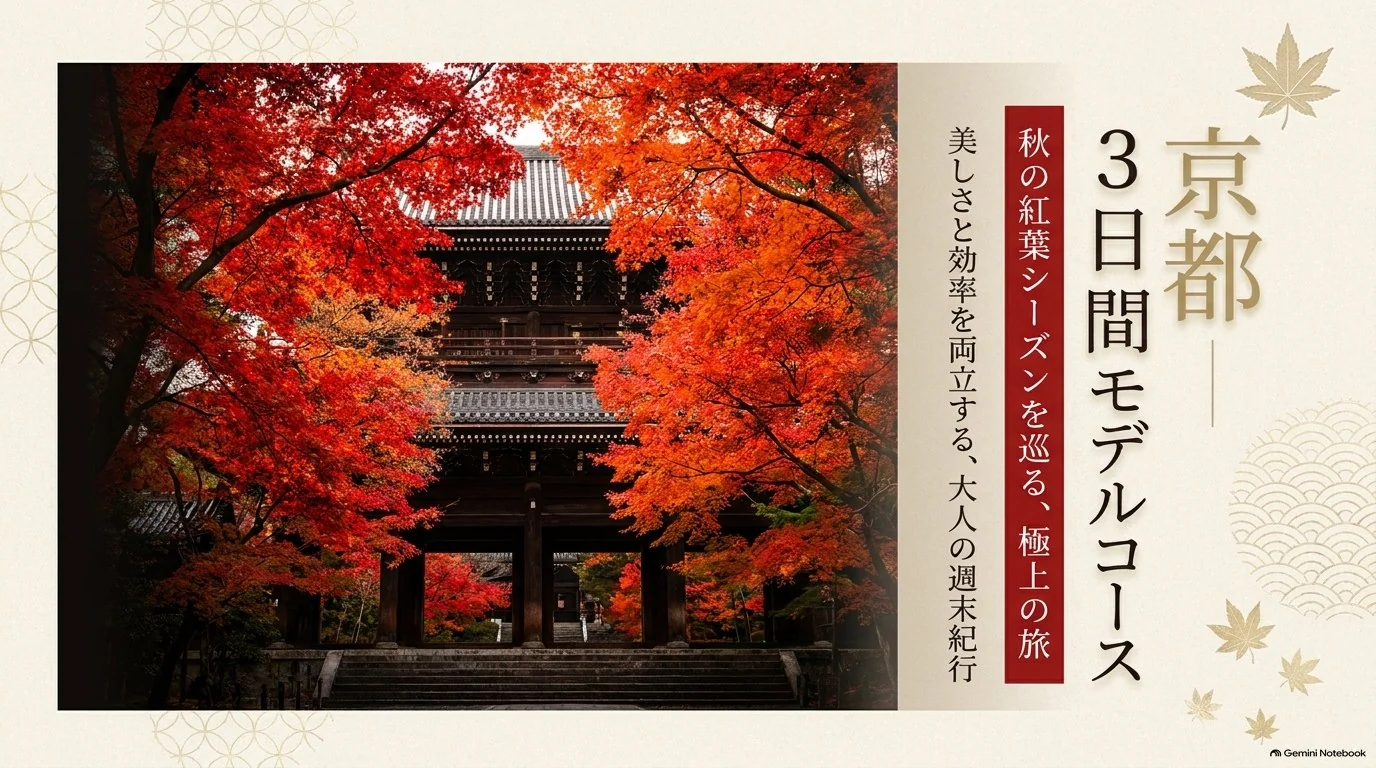
Slides saved as JPG pictures: the picture as it came, the editable slide it became, and the same slide after a quick edit.


A quote over a street photo: the quote comes back as a text box, the photo stays whole.Try it with your JPG
How to Convert JPG to PPT
- 1
Upload JPG files
Drop one or more JPG photos or screenshots, up to 30 MB each.
- 2
Convert
Tick the pages you want; each becomes one slide with editable text and objects.
- 3
Edit and download
Fix anything in the online editor, then export PPTX or PDF.
JPG to PowerPoint: Edit Every Word
What a JPG keeps in pixels, taken apart on real slides.

Retype a heading that was only pixels.
Text in the JPG becomes text boxes, so changing a line is typing, not a trip back to the original file.
JPG pictureText box
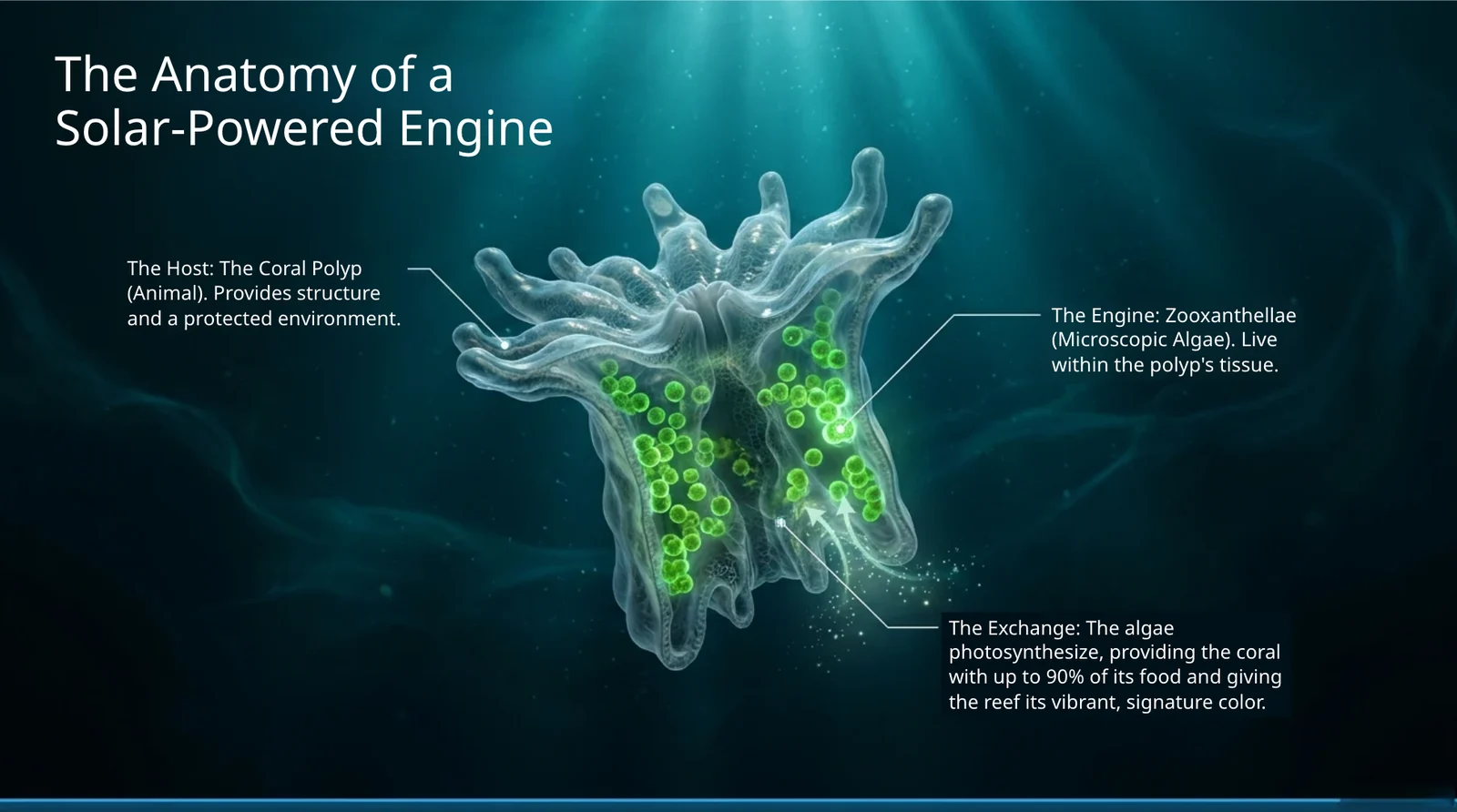
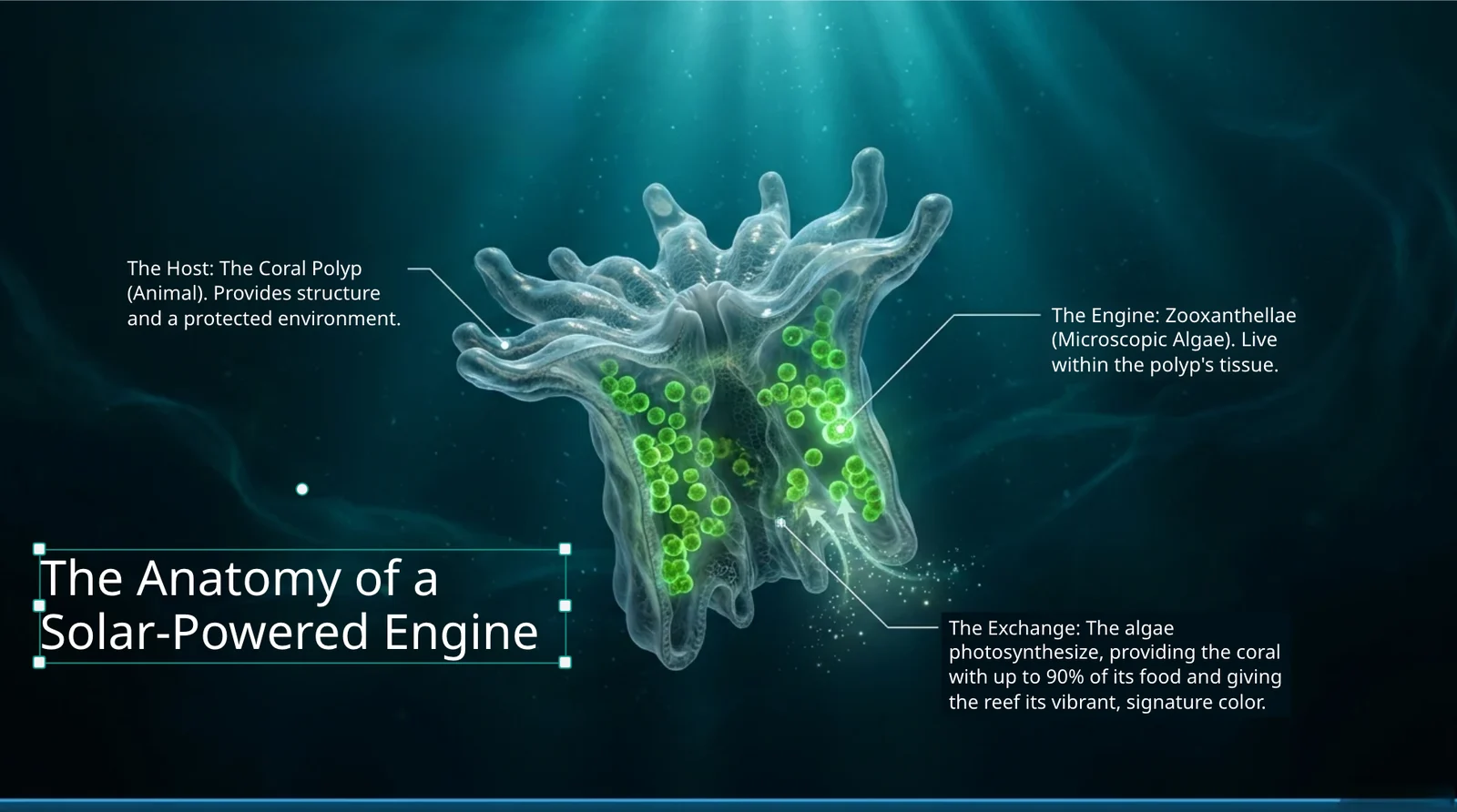
Move the words; what was behind them is whole.
What sat under the text is painted back in, so dragging a title away leaves the drawing intact, not a hole.
JPG pictureFree to rearrange

Every label and picture is its own object.
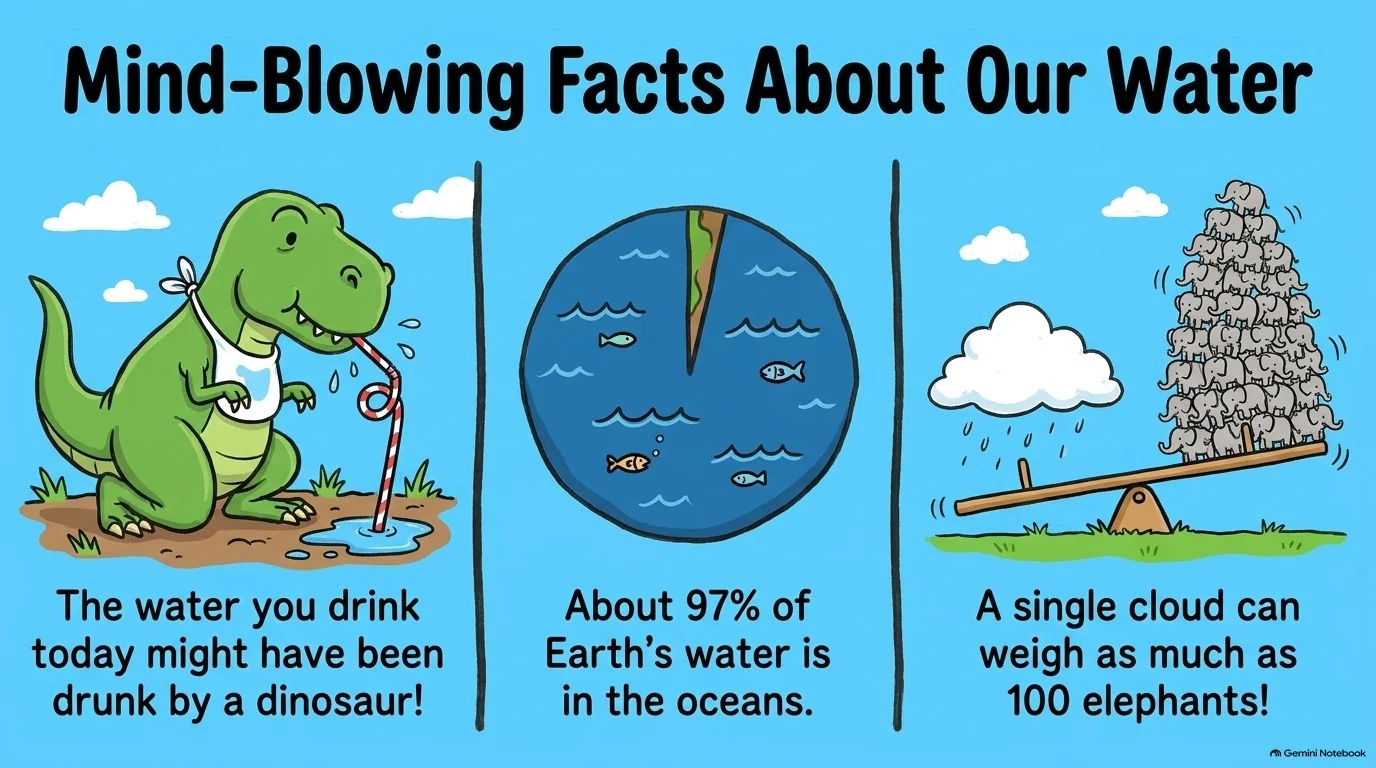
Each piece of text comes back as its own box and pictures stay separate, so you can move or retype one thing without touching the rest.
JPG pictureSeparate objects
Who Converts JPG to PPT
JPG to PPT FAQ
Yes. Every line of text becomes a real text box, pictures stay separate objects, and the background behind the text is filled in.
Yes. Each JPG becomes one slide, in file-name order, in one deck.
Yes. Download it as PPTX, in the same shape as your pages, and open it in PowerPoint, or download a PDF instead.
Sign up and get 10 free credits to convert your first slides.
More ways to make a PPT
Convert JPG to PPT for Free
Sign up and get 10 free credits.