

NotebookLM to PPT
Slides You Can Finally Edit
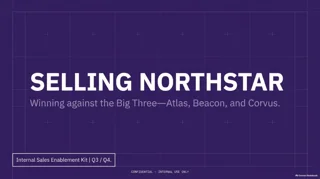
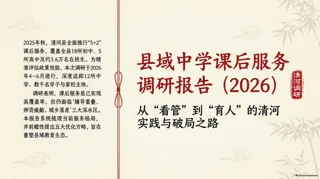
By uploading a file you agree to our Terms of Service and Privacy Policy.
- Real text boxesFix any word in PowerPoint
- PDF or PPTXFrom NotebookLM or Gemini Notebook
- Edit onlineNo other software needed
- PPTX or PDF2 pages free when you sign up
NotebookLM Slides in Any Style, Made Editable
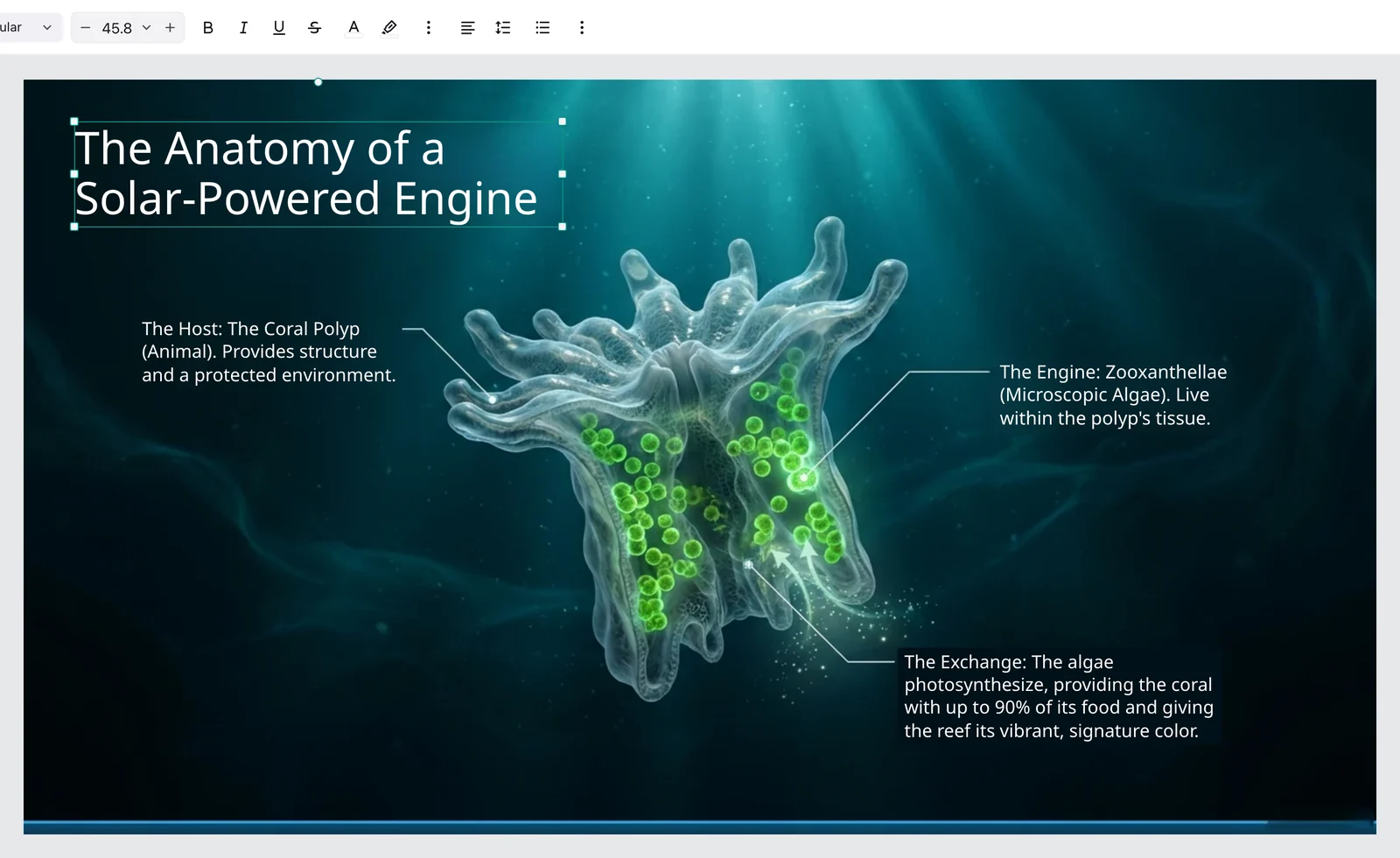
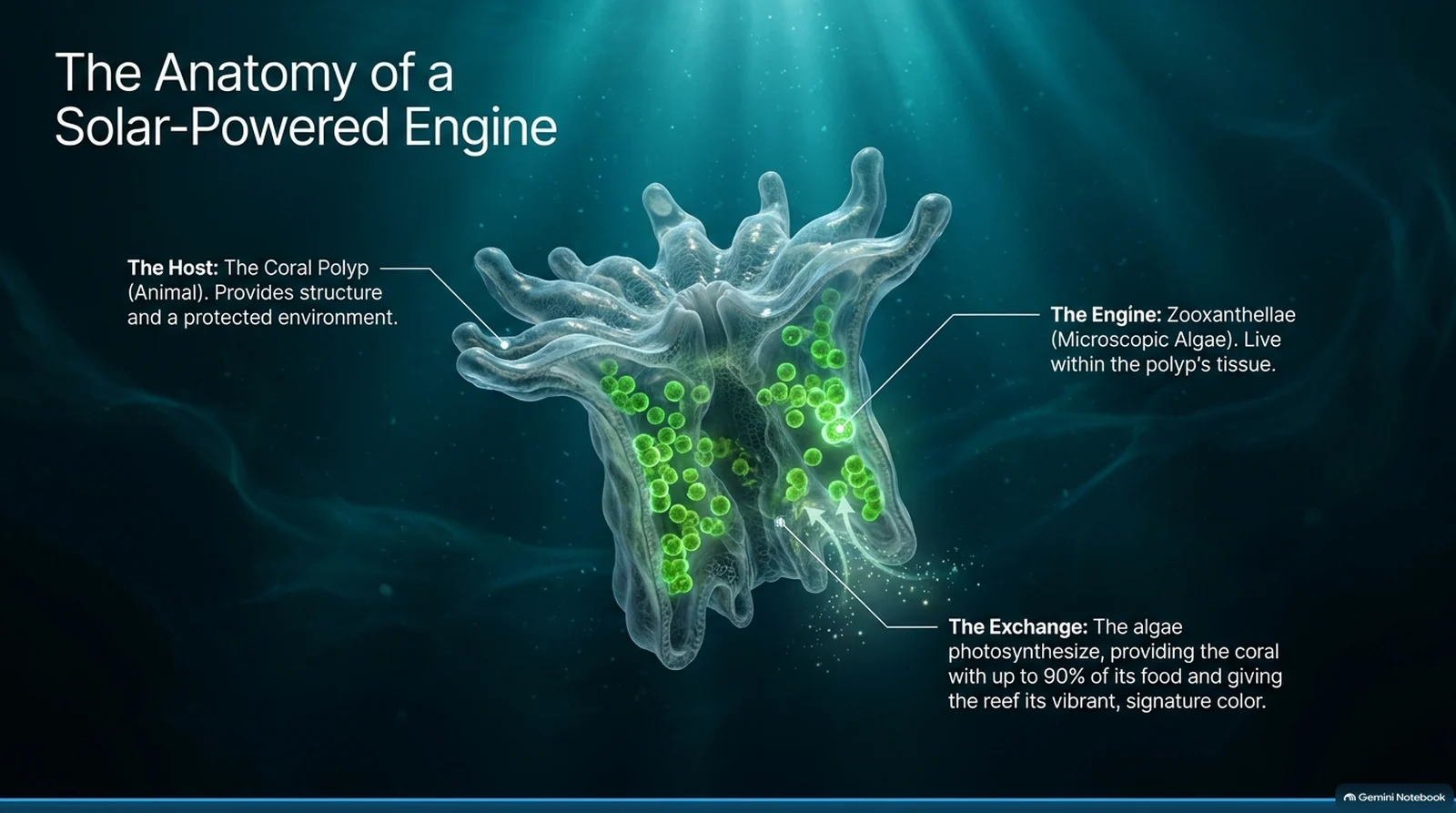
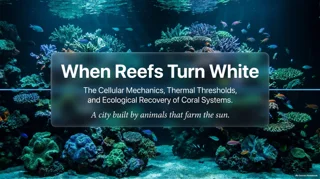
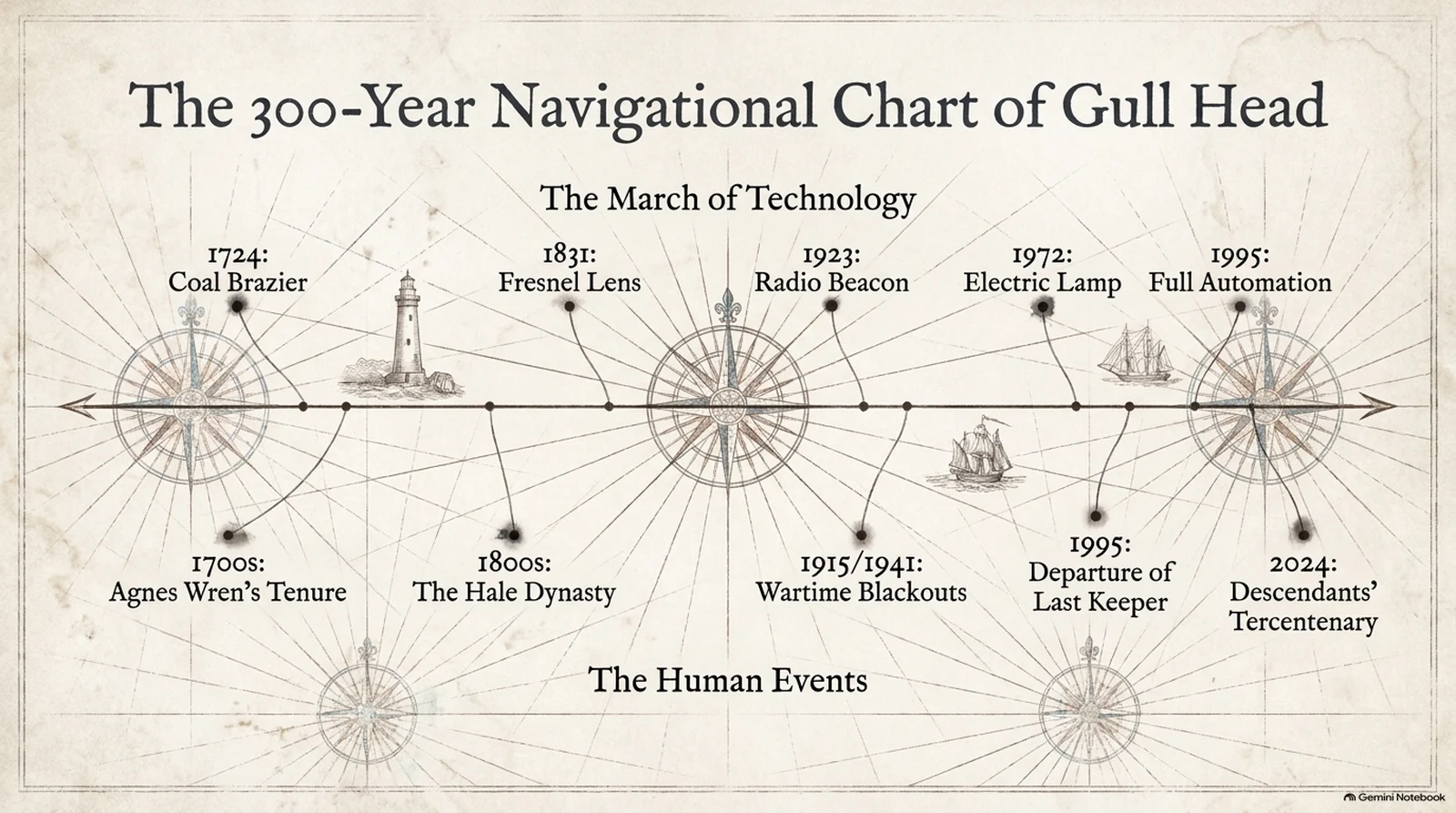
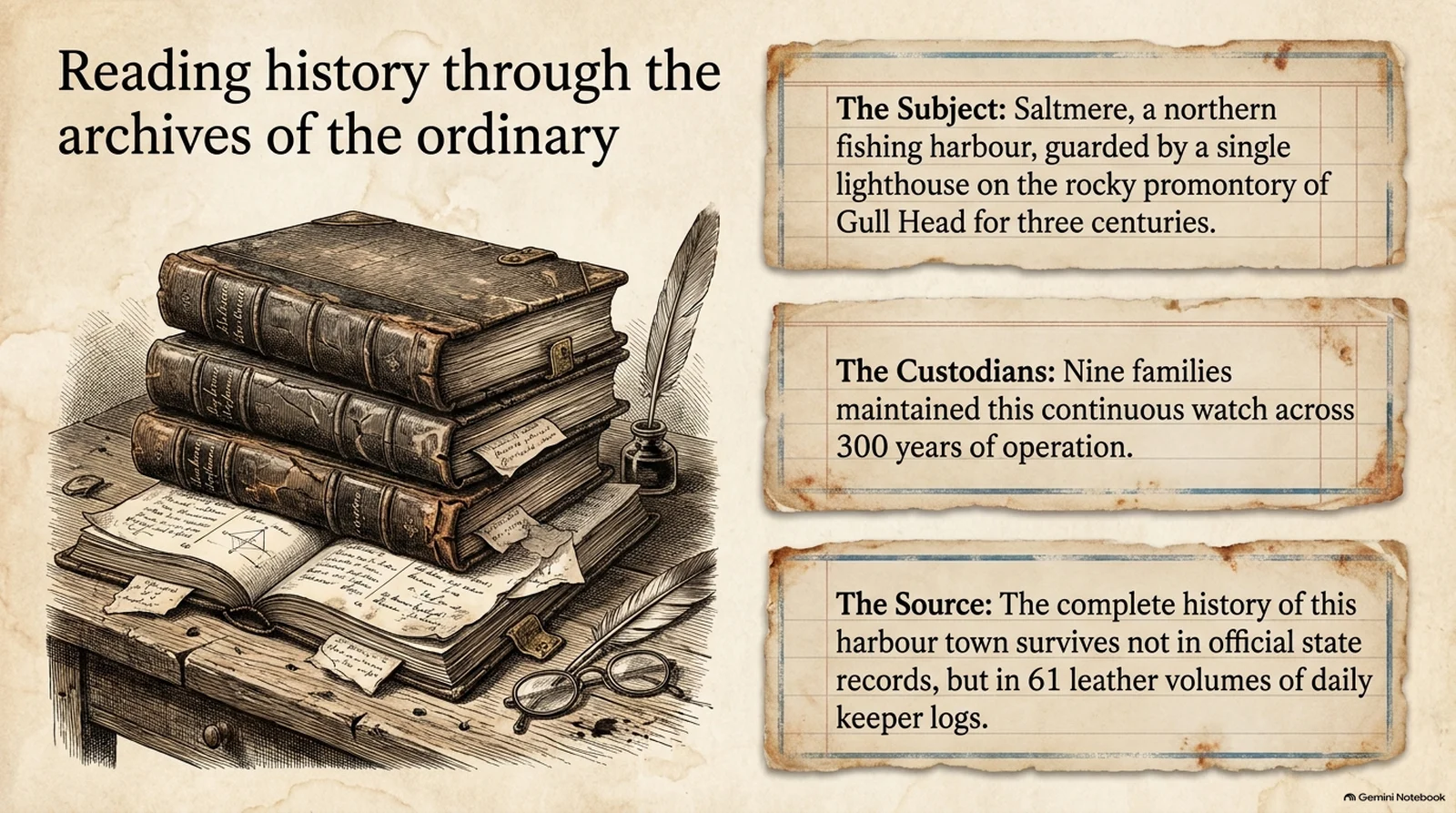
Real NotebookLM exports: the page as it came, the editable slide it became, and the same slide after a quick edit.
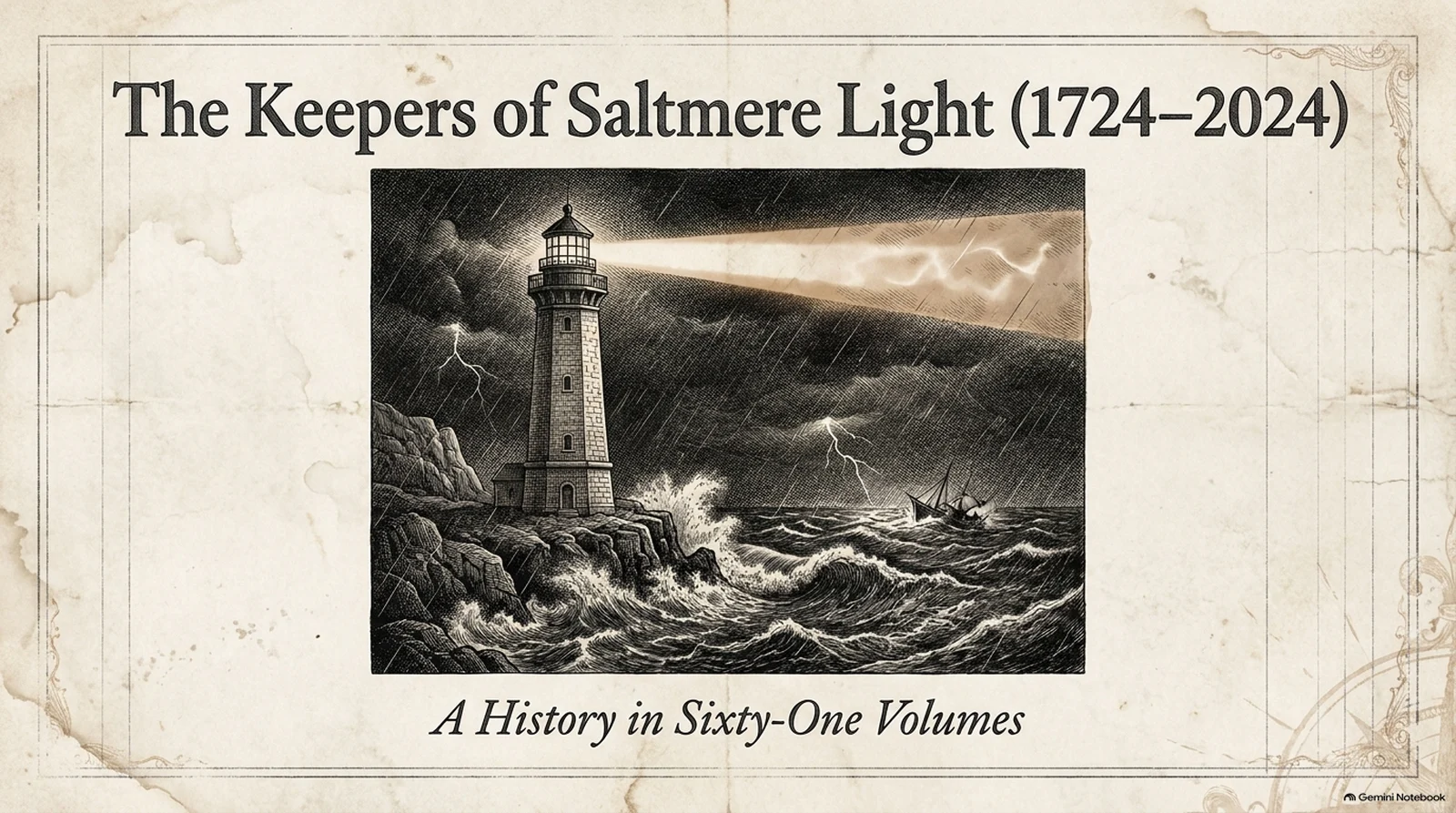
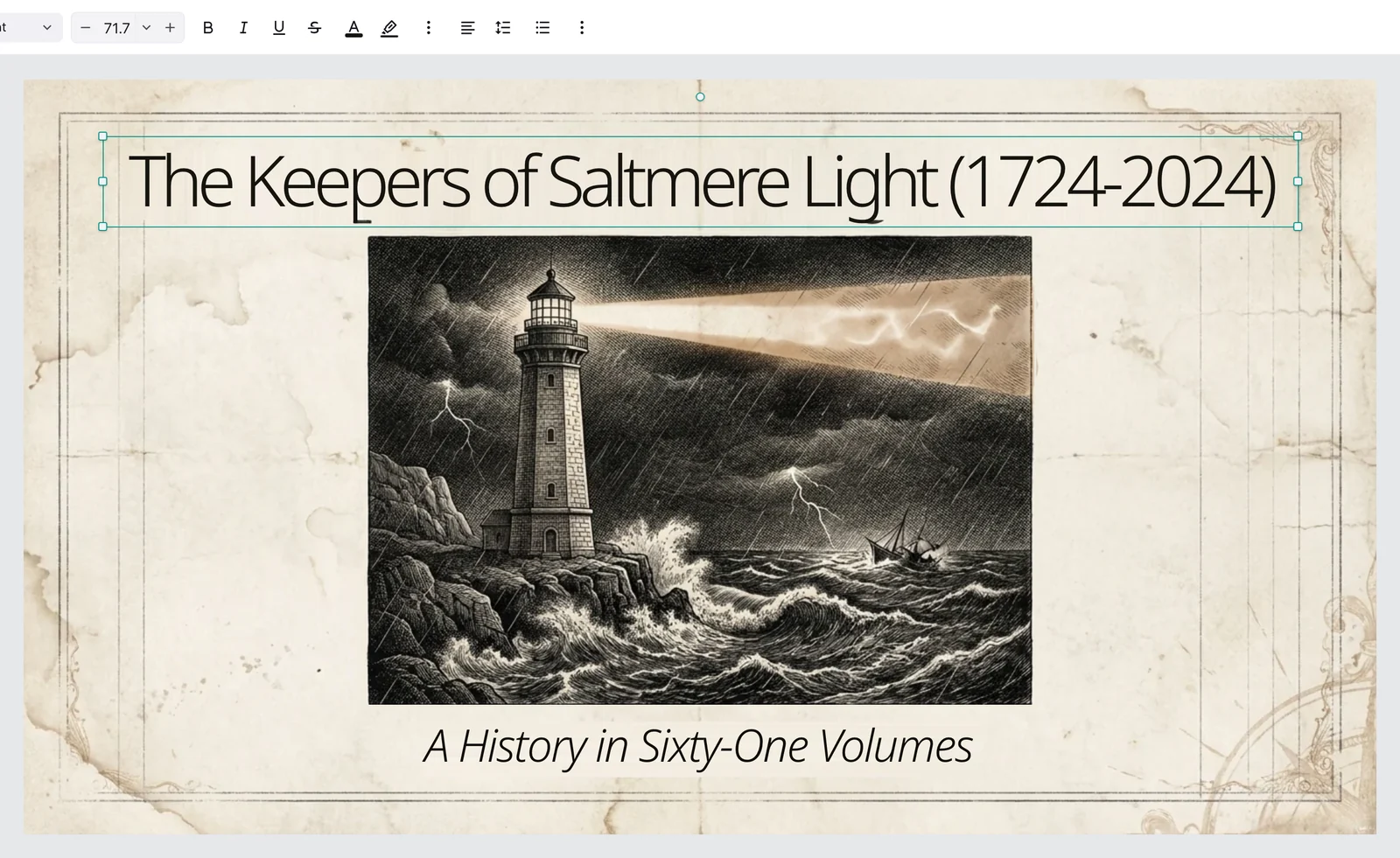
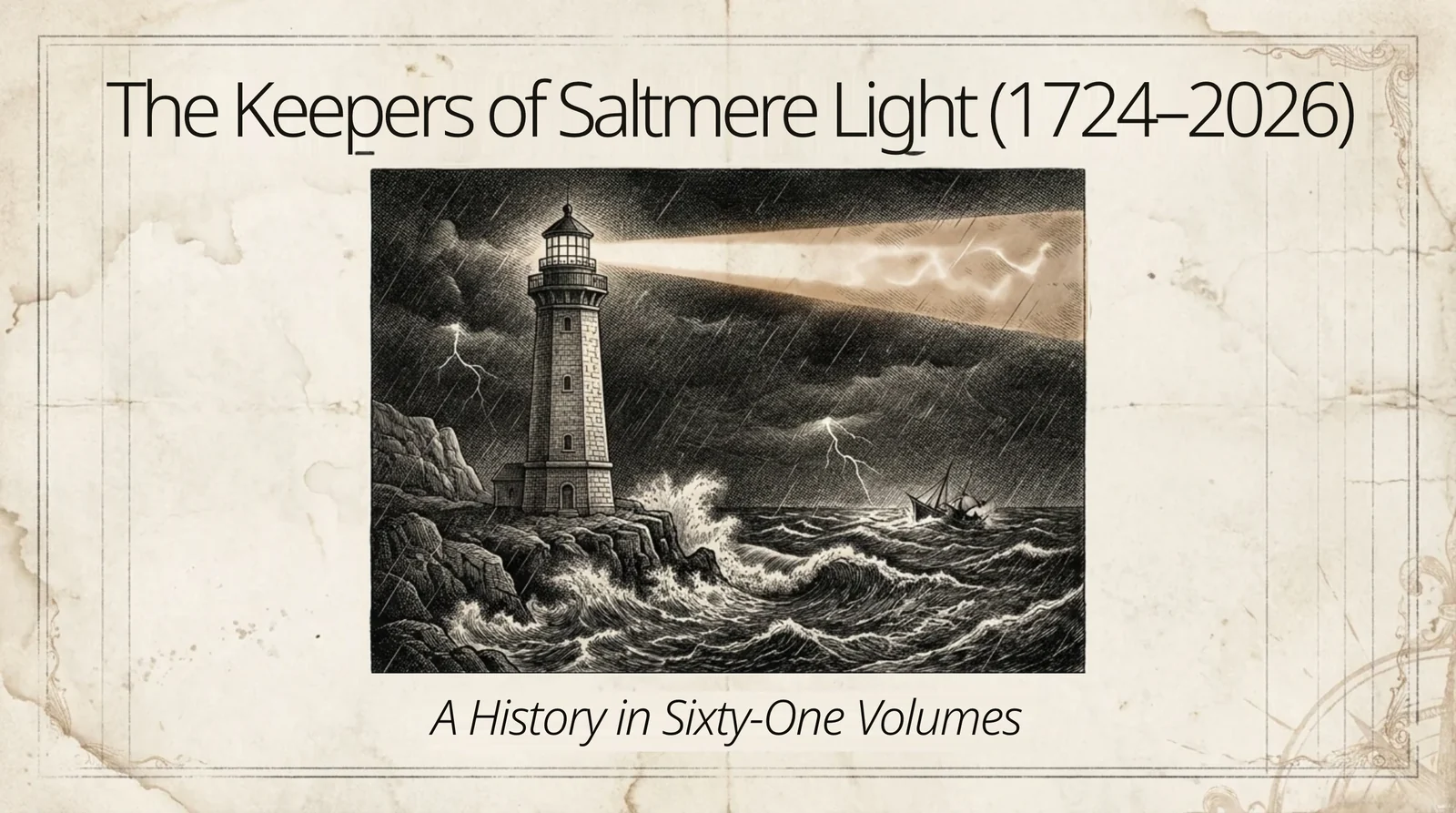
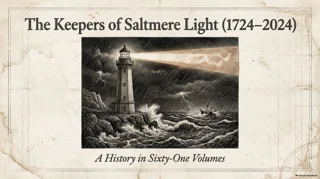
An engraved history cover: the title and subtitle come back as text, the drawing stays whole.Try it with your NotebookLM file
How to Convert NotebookLM Slides to PPTX
- 1
Upload the export
Download your slides from NotebookLM (now called Gemini Notebook) as PDF or PPTX and drop the file here.
- 2
Pick the pages
Tick the pages you want and convert; each becomes one slide with editable text and objects.
- 3
Edit and download
Fix anything in the online editor, then export PPTX or PDF.
Edit NotebookLM Slides Like Any PowerPoint
What NotebookLM locks inside a picture, taken apart on a real export.
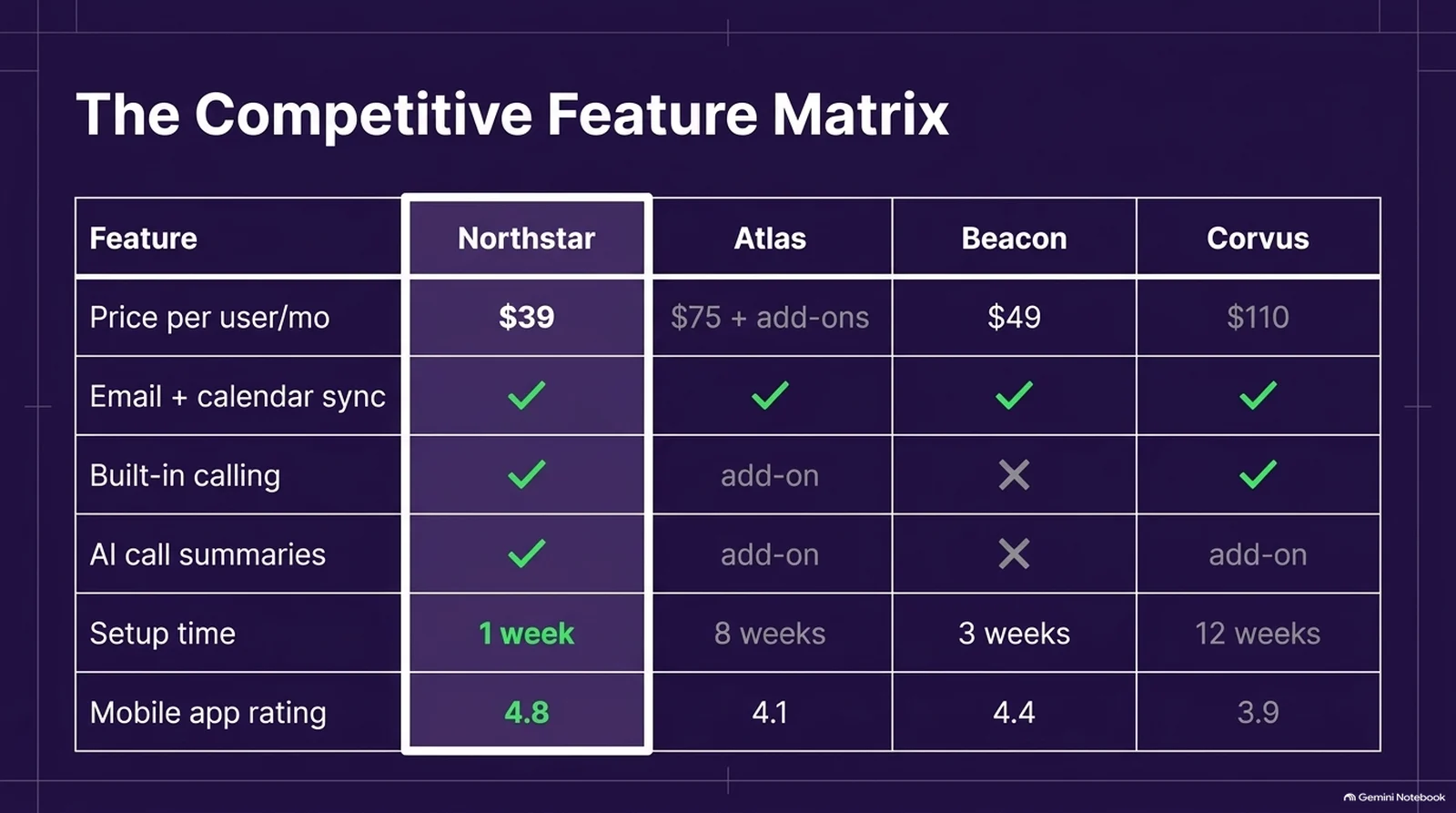
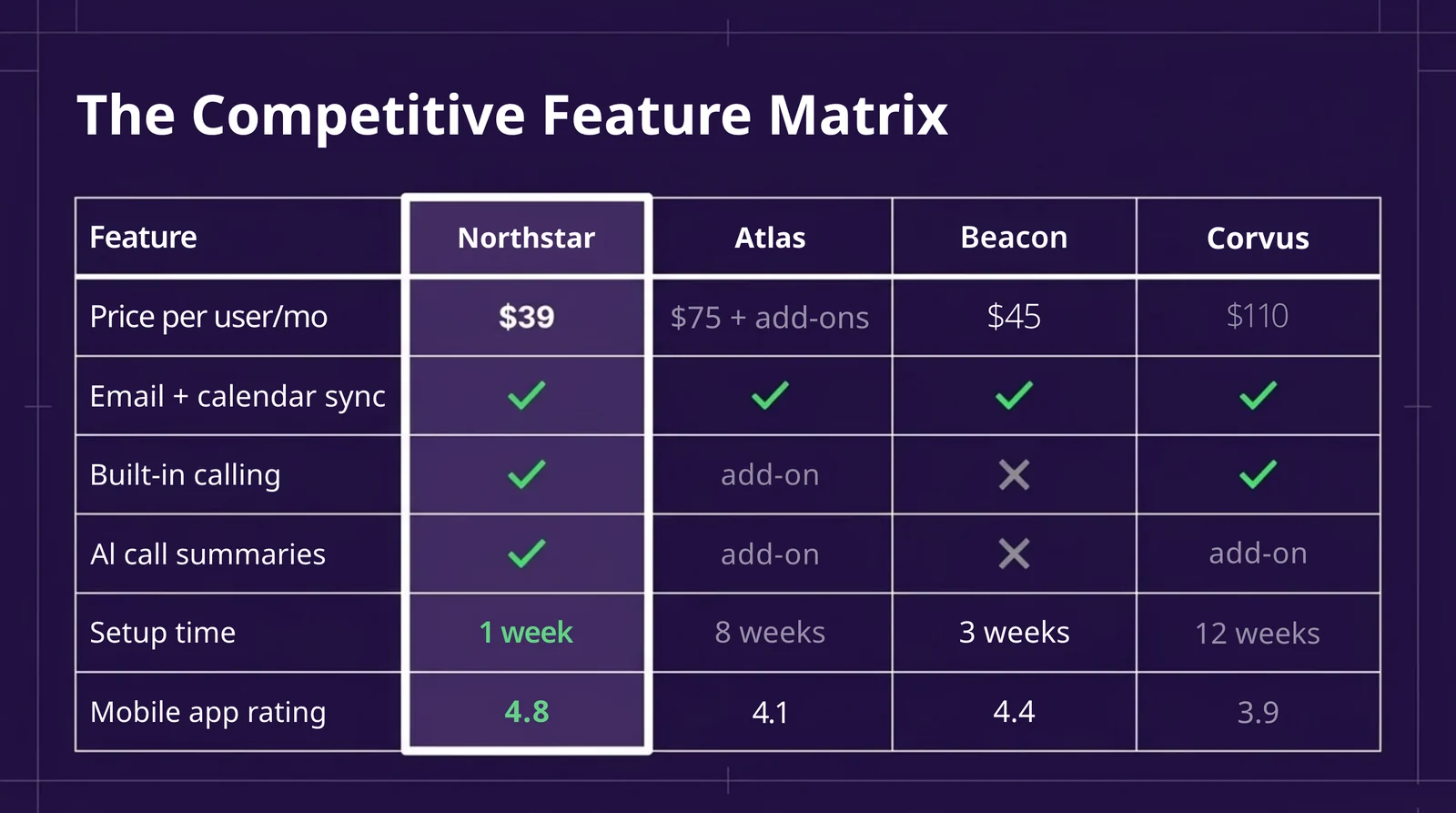
Change a word NotebookLM got wrong.
Titles and labels come back as text boxes, so you fix the wording in place instead of regenerating the whole deck.
Locked pictureText box
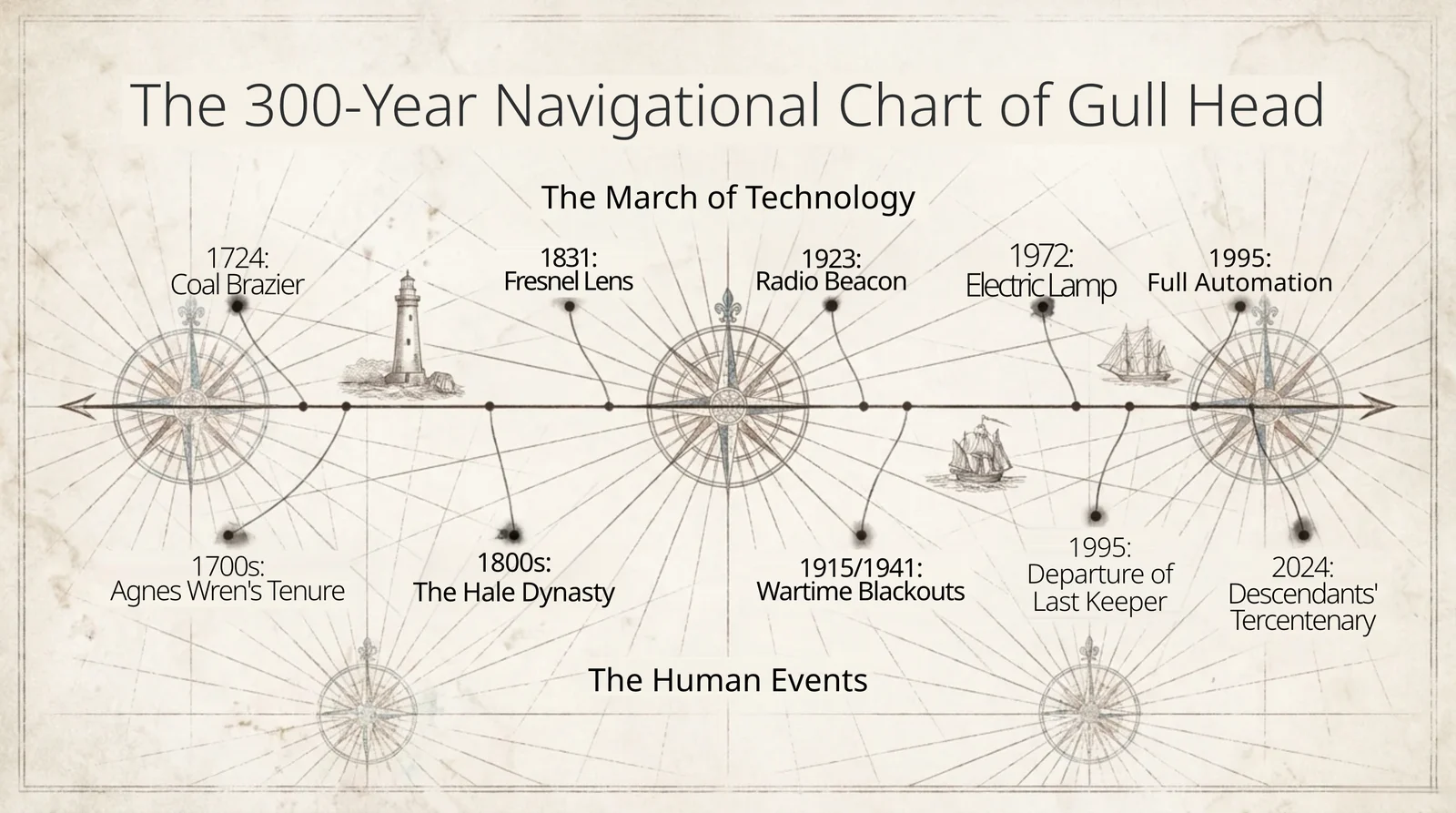
Every label on an infographic is its own text box.
The heading, the big number and each caption next to the bars can be edited, moved or restyled on its own.
Infographic pictureEditable labels
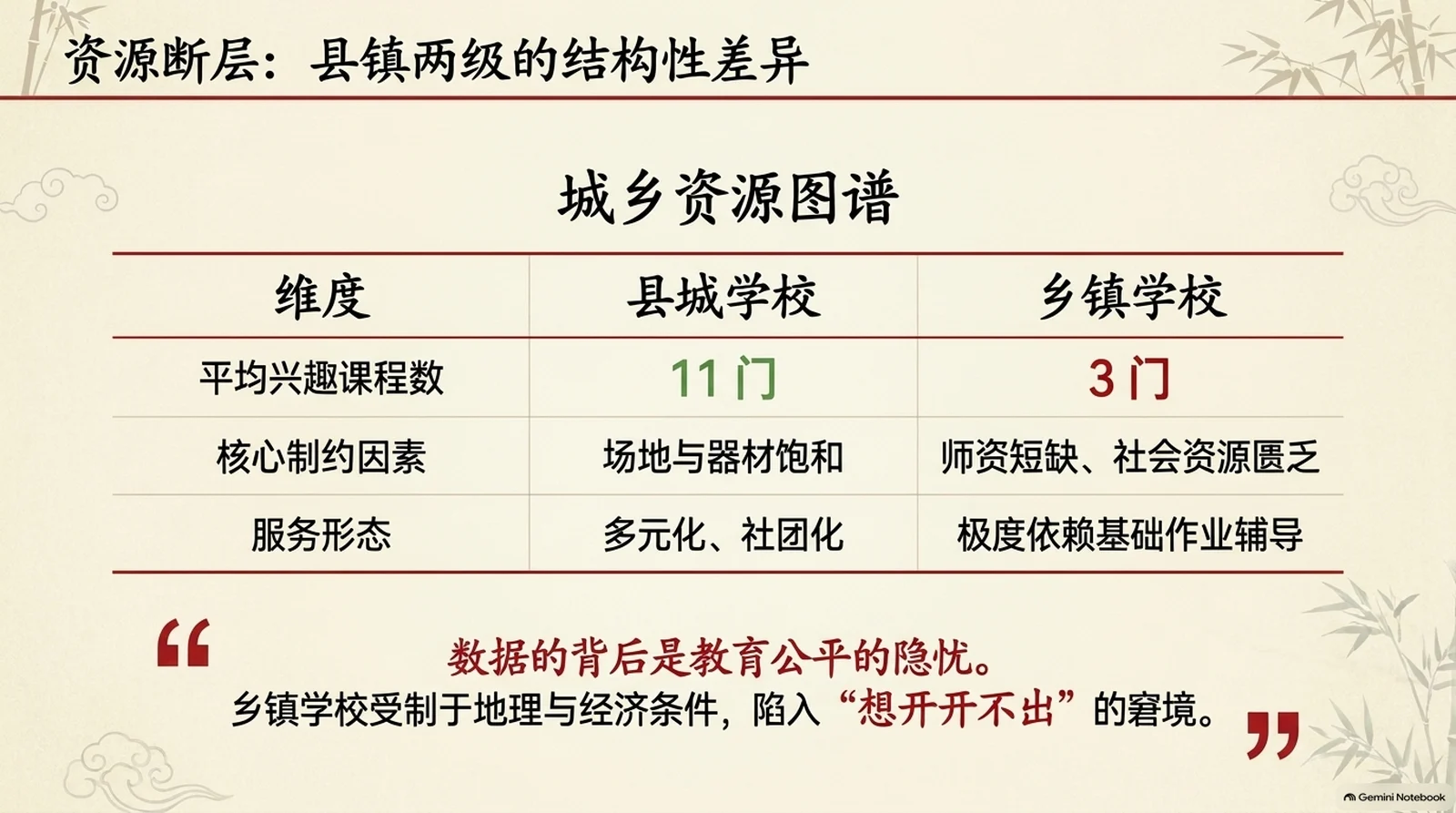
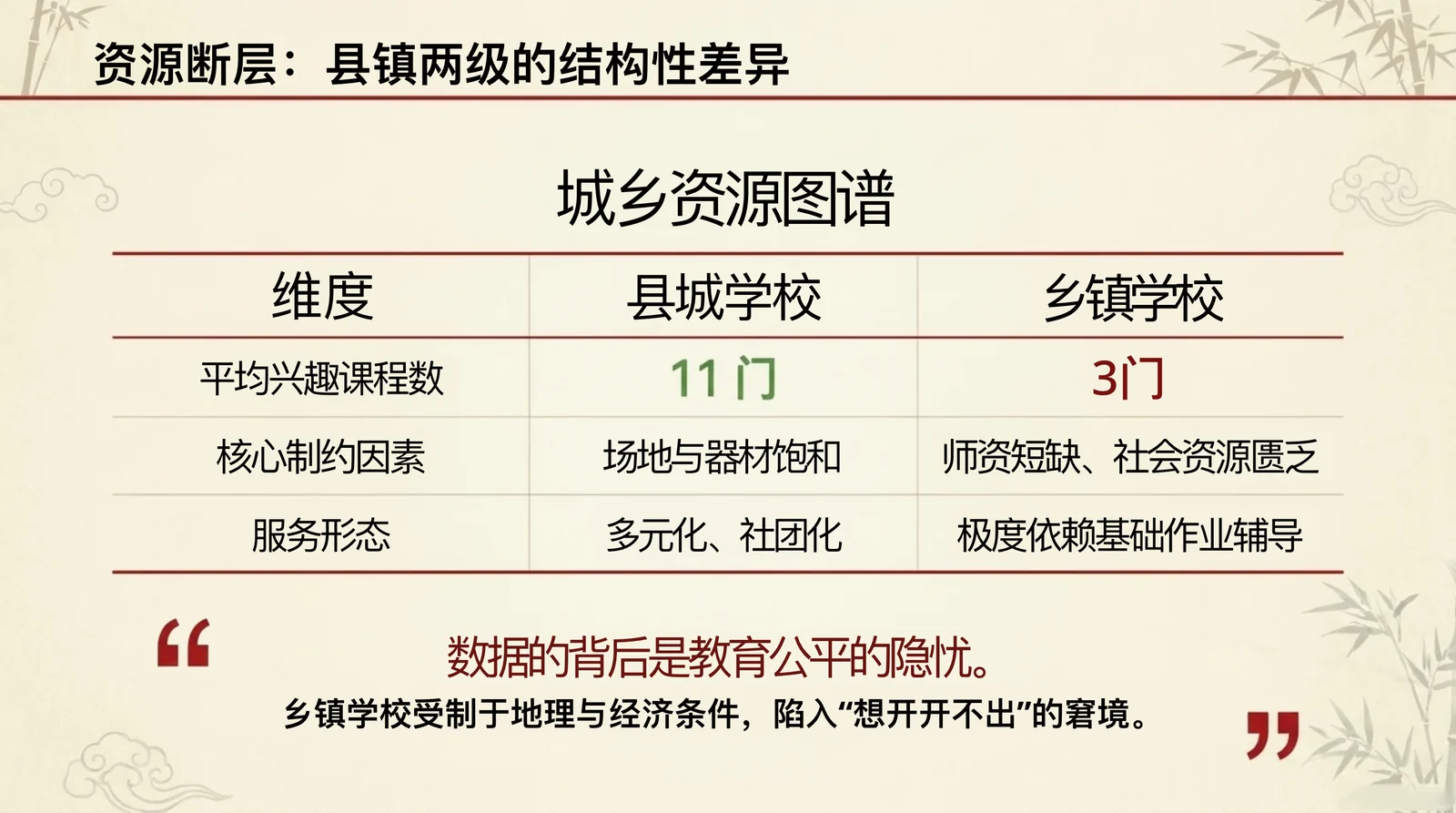
The Gemini Notebook mark stays behind.
The mark NotebookLM stamps in the corner of every page is left out of the converted slides, so the deck you export is clean.
Marked pageClean slide
Who Converts NotebookLM Slides to PPT
NotebookLM to PPT FAQ
Each slide in it is one picture, so there is no text to select. Upload that PPTX here and every slide comes back with real text boxes.
Yes. Gemini Notebook is NotebookLM’s new name, so its PDF and PPTX exports convert the same way, and the Gemini Notebook mark in the corner is left out of the result.
Yes. Every line of text becomes a real text box, pictures stay separate objects, and the background behind the text is filled in.
Not exactly. The text comes back in a clean sans-serif set close to the original’s size, weight and position; pick any font in the editor or in PowerPoint to match the original more closely.
The credits you get when you sign up cover 2 pages. On a paid plan you can convert up to 30 pages at once, and you pick which pages to convert.
Yes. Download it as PPTX, in the same shape as your pages, and open it in PowerPoint, or download a PDF instead.
Sign up and get 10 free credits to convert your first slides.
More ways to make a PPT
Convert NotebookLM to Editable PPT for Free
Sign up and get 10 free credits.